Sleep ambience for iPhone, iPad and Apple TV
Fall asleep under a sky that never repeats.
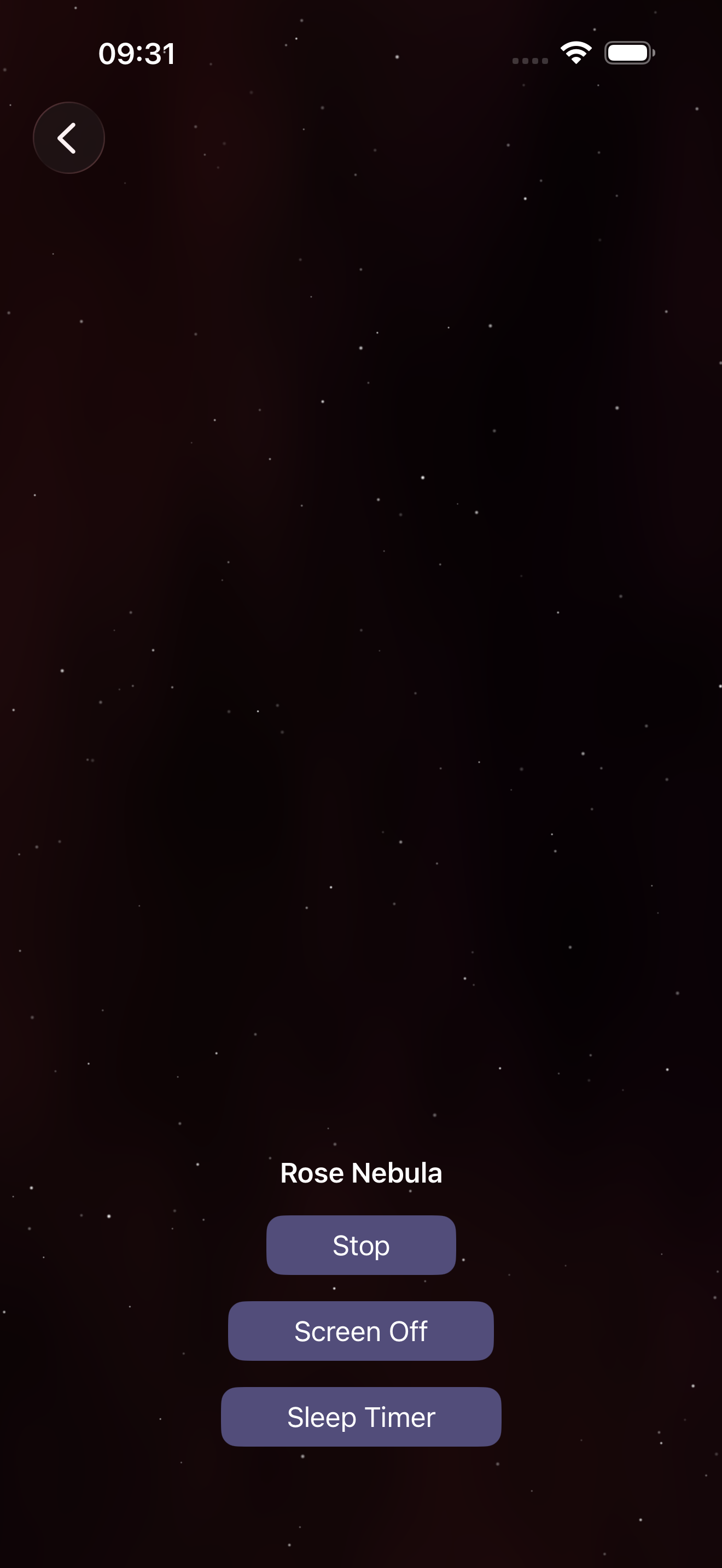
Thirteen generated space scenes with slow, procedural sound. A sleep timer, a Screen Off button, and nothing else to tap. No account. Works offline.
Free at launch. One download for iPhone, iPad and Apple TV.
One download
One app, three screens
One download covers iPhone, iPad and Apple TV. No family of subscriptions, no per-device unlock.
No account
Nothing to sign up for
Open it, pick a scene, sleep. No email, no login. Everything runs on the device.
Offline
Generated, not streamed
Stars, nebulae and sound are computed on the device, so there is no loop seam, no download and no buffering at 3 a.m.
Thirteen scenes
Starfield · Nebula · Blend · Aurora · Waterline
 Quiet Orbit
 Stargazer
 Drift Field
 Rose Nebula
 Amber Cloud
 Deep Violet
 Twilight Horizon
 Deep Field
 Wanderer
 Aurora Veil
 Ringlight
 Horizon Glow
 Rain Under Stars
Apple TV
A sleep timer for the biggest screen in the house.
Room for Stars brings its own: pick a scene, set the timer, and the room goes dark on schedule - audio fades, screen off.
Apple TV's own sleep timer just turns the whole device off at a fixed time - no fade, no idea what's playing. How to set it, and what it can't do →
Three controls, then sleep
Sleep Timer
Set an end time. Audio and light fade out together; the timer keeps its end time if you pause.
Screen Off
Sound keeps playing with the display dark - for people who want the room black, not glowing.
Play / Pause
One prominent control. Controls auto-hide so the scene is all that's left on screen.
Free sleep tools
No app required to try these.
Ready when the lights go out.
Free at launch. One download for iPhone, iPad and Apple TV.
Requires iOS 26, iPadOS 26, or tvOS 26 or later.